The instructions below apply to Cookie-Based integration.
If you are using API-Based integration, please note that Freshworks classic forms does not support it. You will need to follow the Cookie-Based integration steps instead.
Not sure which instructions to follow? Start here: How to Check Which GA Connector Integration Type You’re Using.
Add Google Analytics data to Freshworks Classic Forms with GA Connector’s Freshworks integration.
Prerequisites
- Installed either GA Connector WordPress plugin or GA Connector script on your website
- Already created the custom fields on your Contacts module
<script data-cfasync="false" type="text/javascript" src="https://tracker.gaconnector.com/gaconnector.js"></script>
<script>
function setGaconnectorHiddenFields() {
    var gaFields = gaconnector.getCookieValues();
    for (var fieldName in gaFields) {
        var selectors = 'form input[name="' + fieldName + '"], form input#' + fieldName + ', form input#field_' + fieldName + ', form input[name="' + fieldName.toLowerCase() + '"], form input#' + fieldName.toLowerCase() + ', form input#field_' + fieldName.toLowerCase() + ', input[value="gaconnector_' + fieldName + '"],';
        selectors += 'form textarea[name="'+fieldName+'"], form textarea#'+fieldName+', form textarea#field_'+fieldName + ', form textarea[name="'+fieldName.toLowerCase()+'"], form textarea#'+fieldName.toLowerCase()+', form textarea#field_'+fieldName.toLowerCase()+', form textarea.'+fieldName+', form textarea[name="param['+fieldName+']"]'+", form textarea[id^='field_"+fieldName+"']";
        var inputs = document.querySelectorAll(selectors);
        if (inputs === null) {
            continue;
        } else if (typeof inputs.length === 'undefined') {
            inputs.value = gaFields[fieldName];
        } else {
            for (var i = 0; i < inputs.length; i++) {
                inputs[i].value = gaFields[fieldName];
            }
        }
    }
}

gaconnector.setCallback(setGaconnectorHiddenFields);
setInterval(setGaconnectorHiddenFields, 1000);
</script>
Setting up the GA Connector Fields on Classic Forms
Step 1
While on the form editor, add the custom field that you've created on Contacts (e.g. All Traffic Sources, Last Click Source). It is important that you uncheck the hidden option, the field will be automatically hidden by the code that we will provide you.
Step 2
On the placeholder value field, enter the equivalent GA Connector ID of the field (e.g. All Traffic Sources -> gaconnector_all_traffic_sources). For the full list of available GA Connector fields and their equivalent ID's please see the table at the end of this page.
Step 3
Before your each of Freshworks form embed code, please add the following code:
<script>
var WebFormEvent={afterInstall:function(){var e=gaconnector.getCookieValues();for(var a in e){var r=WebForm.$("input[placeholder=gaconnector_"+a+"], textarea[placeholder=gaconnector_"+a+"]");0<r.length&&(r.parent().addClass("fserv-hidden"),r.val(e[a]))}}};
</script>
Your fields should now contain tracking information when submitted.
More than just UTM parameters
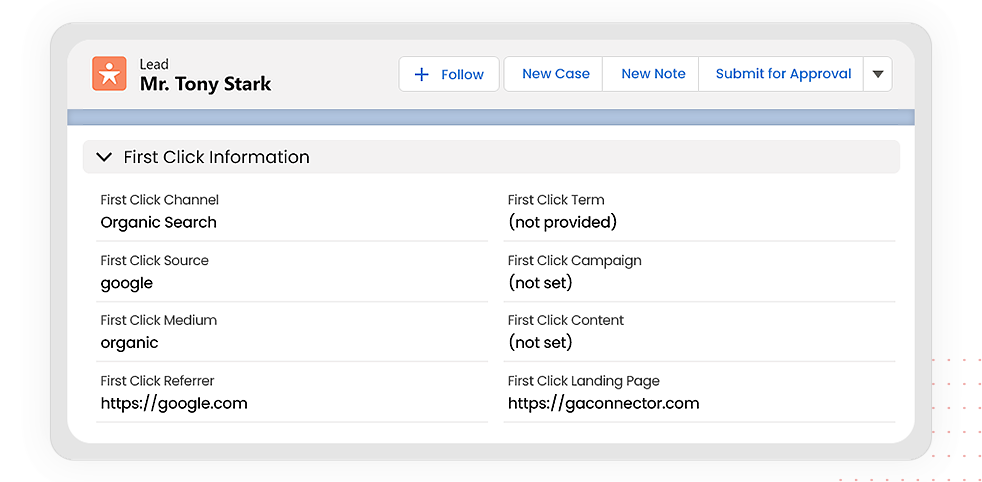
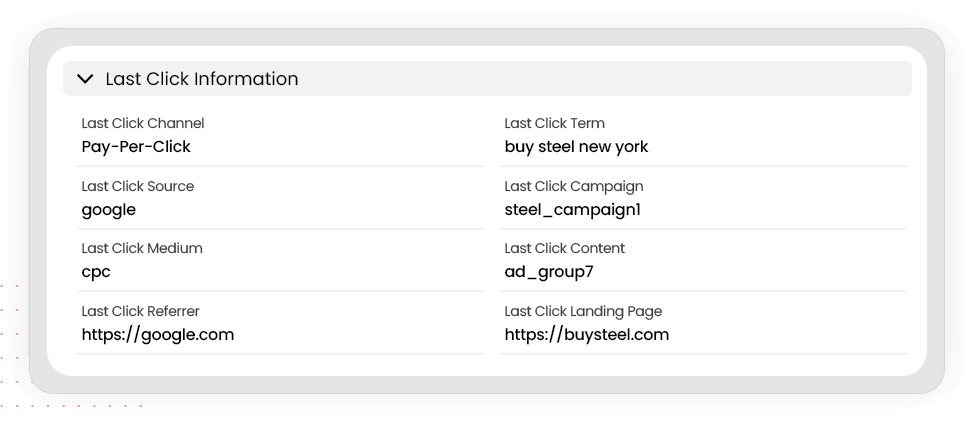
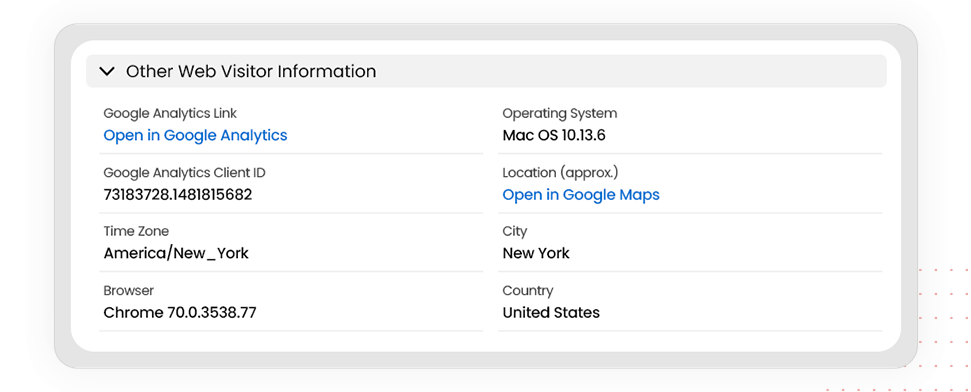
GA Connector adds UTM information, geolocation, referral information to your Freshworks leads.
See below for all the information that you can add to your leads to help you find out which of your marketing activities drive sales.
| Label | Input ID | Label | Input ID |
|---|---|---|---|
| All Traffic Sources | gaconnector_all_traffic_sources | Last Click Campaign | gaconnector_lc_campaign |
| Browser | gaconnector_browser | Last Click Channel | gaconnector_lc_channel |
| City (from IP address) | gaconnector_city | Last Click Content | gaconnector_lc_content |
| Country (from IP address) | gaconnector_country | Last Click Landing Page | gaconnector_lc_landing |
| First Click Campaign | gaconnector_fc_campaign | Last Click Medium | gaconnector_lc_medium |
| First Click Channel | gaconnector_fc_channel | Last Click Referrer | gaconnector_lc_referrer |
| First Click Content | gaconnector_fc_content | Last Click Source | gaconnector_lc_source |
| First Click Landing Page | gaconnector_fc_landing | Last Click Term | gaconnector_lc_term |
| First Click Medium | gaconnector_fc_medium | Last Click Timestamp | gaconnector_lc_timestamp |
| First Click Referrer | gaconnector_fc_referrer | Longitude | gaconnector_longitude |
| First Click Source | gaconnector_fc_source | Latitude | gaconnector_latitude |
| First Click Term | gaconnector_fc_term | Number of Website Visits | gaconnector_page_visits |
| First Click Timestamp | gaconnector_fc_timestamp | Operating System | gaconnector_OS |
| Google Analytics CID | gaconnector_GA_Client_ID | Device | gaconnector_device |
| Google Analytics Measurement ID | gaconnector_GA_Measurement_ID | Region | gaconnector_region |
| Google Analytics Session ID | gaconnector_GA_Session_ID | Pages Visited | gaconnector_pages_visited_list |
| Google Click Identifier | gaconnector_gclid | Time Spent on Website | gaconnector_time_passed |
| IP Address | gaconnector_ip_address | Time Zone | gaconnector_time_zone |